Physical Address
304 North Cardinal St.
Dorchester Center, MA 02124
Physical Address
304 North Cardinal St.
Dorchester Center, MA 02124

Did you know that 70% of shoppers on Amazon never click past the first page of search results? If your products are not showing up there, you are invisible to the vast majority of potential customers. This is where mastering Amazon keyword research becomes a game-changer. For sellers, understanding what customers are searching for is the key to unlocking visibility, driving traffic, and ultimately, boosting sales.
This guide will take you step-by-step through all the essential things you need to know. You will learn how to identify high-impact keywords, analyze your competitors, and optimize your listings to improve your rankings. Get ready to turn your product pages into powerful magnets for your target customers.
Amazon keyword research involves identifying the search terms that customers enter into the Amazon search bar when seeking products. It involves identifying relevant, high-traffic keywords and incorporating them into your product listings to enhance your ranking in search results.
While it sounds similar to traditional SEO for Google, there are fundamental differences. Google classifies search intent into three key types: informational, navigational, and transactional. A user might be looking for a “how-to” guide, a specific website, or a product to buy. On Amazon, the intent is almost exclusively transactional.
Shoppers are there with one primary goal: to make a purchase. This makes keyword research on Amazon less about broad traffic and more about capturing high-conversion, purchase-ready customers.
Read More: AI-based keyword research methods
On Amazon, keywords are the bridge connecting your product to potential buyers. Unlike a physical store where customers can browse shelves, online shoppers rely on the search bar.
If your product listing does not include the exact terms they use, your product might as well be invisible. An effective keyword strategy directly influences your store’s performance in three critical areas
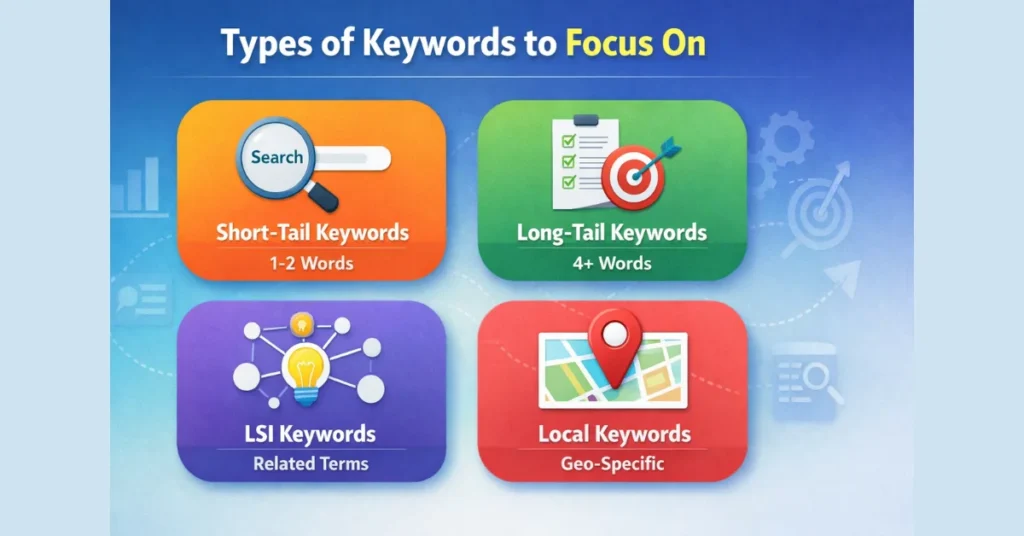
To build a robust strategy, you need a diverse portfolio of keywords. Knowing the various types enables you to create a well-rounded approach that enhances overall visibility while attracting buyers who are ready to convert.
These are short, broad keywords that typically consist of one or two words. Think of a “yoga mat” or a “water bottle.” While they boast high search volume, they are also incredibly competitive, and the buyer intent is often less clear. However, they are essential for initial visibility.
These are multi-word search queries, usually three words or longer, used to express precise intent. An example is “eco-friendly non-slip yoga mat for women.” Long-tail keywords attract fewer searches but face less competition and often indicate high purchase intent. A shopper using a specific phrase knows precisely what they want and is often closer to making a purchase.
These keywords mention a particular brand, whether it’s yours or that of a competitor.. Shoppers searching for “Nike running shoes” tend to be loyal to the brand. You should always target your own brand name to capture loyal customers. You can also strategically target competitor brand keywords (in PPC campaigns, for example) to present your product as an alternative.
These keywords are tied to specific holidays, seasons, or events. Terms like “Christmas decorations,” “Halloween costumes,” or “summer beach towel” see massive spikes in traffic during certain times of the year. Planning for these trends allows you to capitalize on seasonal demand.
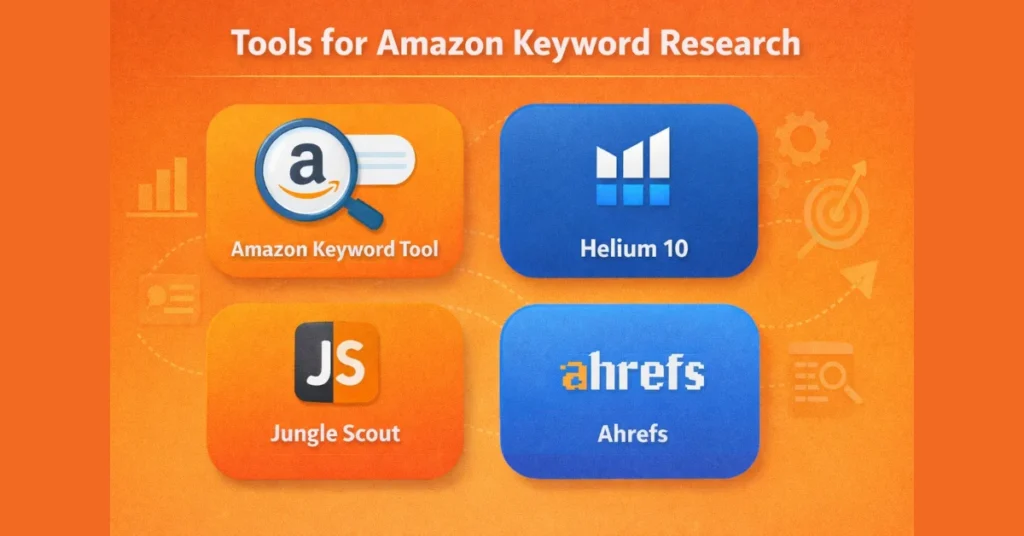
While manual research is a good starting point, specialized tools provide data-driven insights that are impossible to find on your own.
Read More: human vs AI content for e-commerce
Ready to find your golden keywords? Follow this simple process.
When prioritizing, focus on these key metrics to make informed decisions.
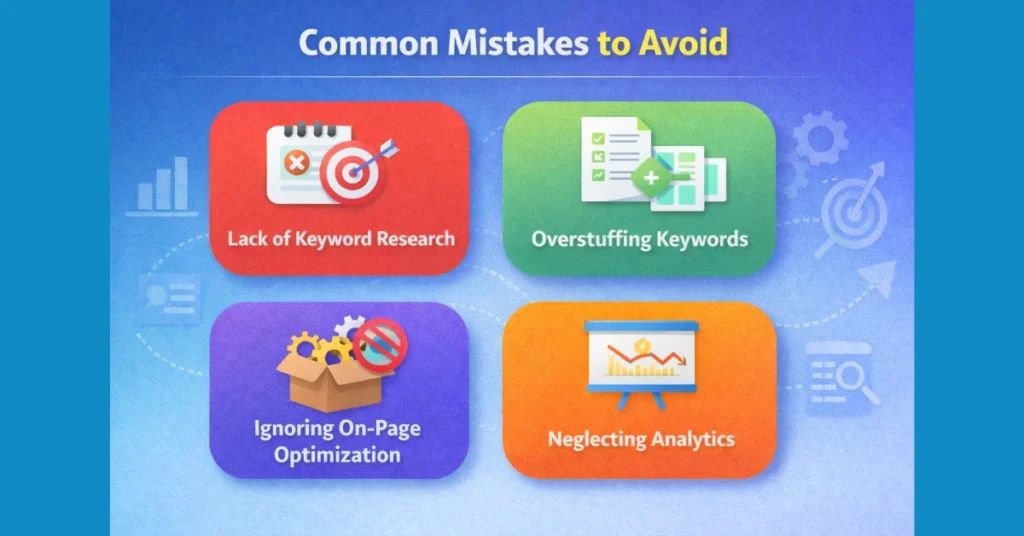
Recognizing common mistakes is the first step in steering clear of them.
Read More: AI SEO tools for keyword analysis
Ready to take your strategy to the next level?
Mastering Amazon keyword research is not just an option—it is essential for success. By understanding what your customers are searching for and strategically optimizing your listings, you can significantly improve your product’s visibility, drive more sales, and build a sustainable business on the world’s largest online marketplace. The techniques and tools in this guide offer a step-by-step path to higher rankings. Want to increase your Amazon sales? Begin your keyword research now.
Amazon keyword research refers to identifying the exact terms and phrases shoppers use when searching for products on Amazon. These keywords uncover what customers truly want. By strategically using them in your product titles, bullet points, and descriptions, you can boost your product’s visibility, attract more qualified traffic, and improve sales performance. Without effective keyword optimization, even quality products can get buried in Amazon’s search results.
Short-tail keywords are general, high-volume search terms—typically one or two words long, such as “Bluetooth speaker.” They bring more impressions but also face heavy competition. Long-tail keywords, on the other hand, are more specific and detailed—like “portable Bluetooth speaker with waterproof design.” Though they attract fewer searches, these keywords often lead to higher conversions since they target shoppers with clear buying intent. The most successful keyword strategies use both types to balance reach and precision.
Start your research with Amazon’s built-in search bar—its autocomplete suggestions show real customer search activity. Review competitor listings to identify common and high-performing terms. Then, enhance your research with dedicated Amazon keyword tools that reveal data such as search volume, competition level, and related keyword ideas. A combination of competitor analysis and keyword data helps you find the most effective terms for your product.
Backend keywords are hidden search phrases that sellers add to their Amazon listings through Seller Central. Although shoppers can’t see them, Amazon’s search algorithm uses these keywords to better understand and rank your products. They’re especially useful for including keyword variations, misspellings, and related terms that don’t fit naturally into your visible listing content. To add them, navigate to the “Keywords” tab in Seller Central and enter them in the “Search Terms” box. Using backend keywords strategically helps your product appear in more relevant searches—without changing the way your listing looks to buyers.
Yes! Amazon’s search suggestions are an excellent free starting point. You can also use tools like Google Keyword Planner to explore ideas—though it’s designed for Google, not Amazon, it can still inspire. Additionally, many Amazon keyword tools offer free plans or limited trials for beginners looking to test features before committing to paid versions.
It’s wise to revisit and update your keyword strategy every few months or whenever you see noticeable changes in sales or traffic. Buyer habits and search patterns evolve. Regular updates help you stay competitive, ensuring your listings remain optimized for current trends and customer behavior.